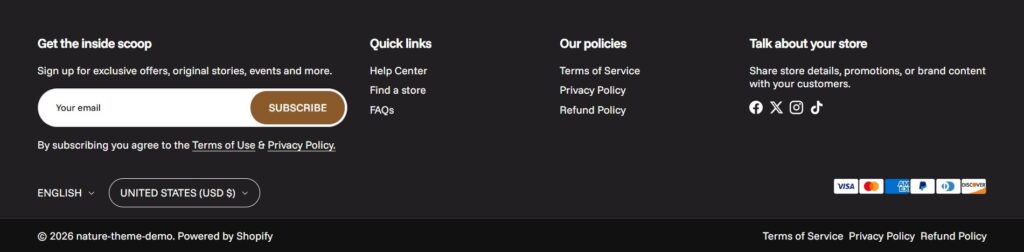
The Footer section is an important part of the store that can be used to communicate critical information such as contact details, legal information and site navigation links.
Here are the steps how to create a footer section.
Open the Theme Editor and scroll down to the Footer section.
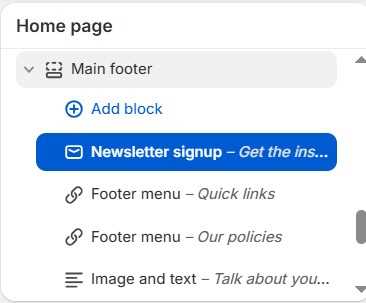
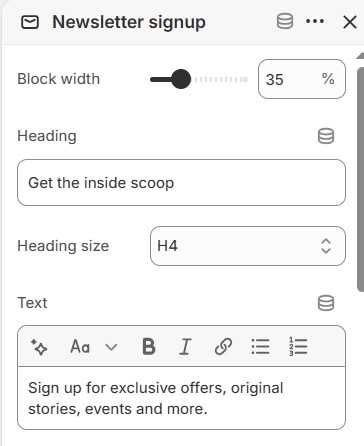
Add the blocks to Main footer section and a maximum of four blocks can be added. You can set the Block width and Heading font size in each blocks.
Main footer section has three block types such as Newsletter signup, Footer menu, Image and text. Newsletter signup and Image and text block can show the social icons on the bottom of the block area.
You also can show the language / currency selector and payment icons under the footer blocks, but it doesn’t allow to relocate them.
Also the copyright text can be changed and the copyright menu called as “Secondary menu“.